Spilsby Primary Academy
Computing
COMPUTING CURRICULUM INTENT
“Whether you want to uncover the secrets of the universe, or you want to pursue a career in the 21st century, basic computer programming is an essential skill to learn.”
Stephen Hawking
At Spilsby Primary Academy, our aim is for our pupils to connect with others responsibly and are competent, confident and creative users of information and communication technology. We want our pupils to experience Computing across the curriculum; providing opportunities to apply knowledge and skills in a range of contexts and participate effectively and safely in our digital world.
IMPLEMENTATION
- Teachers will act as role models in their safe use of technology, modelling correct use and vocabulary.
- Computing lessons are taught through Barefoot Computing blocks which create an environment that gives pupils the knowledge and skills needed to use technology and stimulates the generation of ideas.
- Specific core concepts will be taught which will then be applied cross-curricular.
- Using modern technology forms an integral part of our approach to creating pupils who are ready to enter today’s society and flourish.
- Offering the opportunity for parents to develop their own understanding of digital literacy and E-safety through National Online Safety.
The fundamentals
- A belief that every child can, and will, become a competent user of technology.
- A focus on teaching the skills of computing.
- A cross-curricular approach giving chances for skills to be applied in a wide range of contexts.
- Consistent focus on E-safety.
- Explicit teaching of vocabulary.
- A variety of high-quality, relevant computing programmes are used.
- E- safety displays in every classroom.
Year 5 have been learning about the terms and conditions of a variety of social media organisations and reflecting on the personal information which people consent to 'giving away' when they sign up to such websites. We created a 'data gift' which we can place next to our computer, to remind ourselves of the importance of knowing what we are consenting to.


Year 3 looked at the laws around computing and were given scenarios that they had to role play in a court of law. They then had to decide if the defendant was guilty or not guilty.


Year 2 children used iPads to find images of transport used by great explorers, such as the Santa Maria, the Fram and Saturn V. The children learnt that some information can be found online and some offline.


Year 5 learnt how to add slides, transitions and change backgrounds in Microsoft PowerPoint. They used their new skills to create their own quiz for the Sow, Grown and Farm project.


Year 2 have been studying the meanings behind all aspects of royal portraits. We then used these ideas to pose for our portraits! We cannot wait to sketch our friends in their poses & use the Pixlr app to enhance & improve them too! Cannot wait to see the results!


Year 2 explored the Strip Design app & made some brilliant comic strips about the Apollo11 mission. They used relevant photos in chronological order the comic strip & even added graphics & famous quotes.


Year 6 spent their computing session in a role play World War 1 communications headquarters. Using an encryption website they created and sent messages focusing on the World War 1 knowledge that they had learnt so far in their project Britain at War.
First they chose a question from their project knowledge organiser, typed it into the text box, then encrypted it. This was then handwritten and put in an ‘out’ tray. Office clerks then collected these messages and they were taken to the decoding operators, who decrypted the question and answered it.
A challenge was then set when German encrypted messages were received. First the encryption code key had to be worked out then the knowledge question answered.
This lesson built on from their Science lesson, where they created circuits to send Morse code messages.


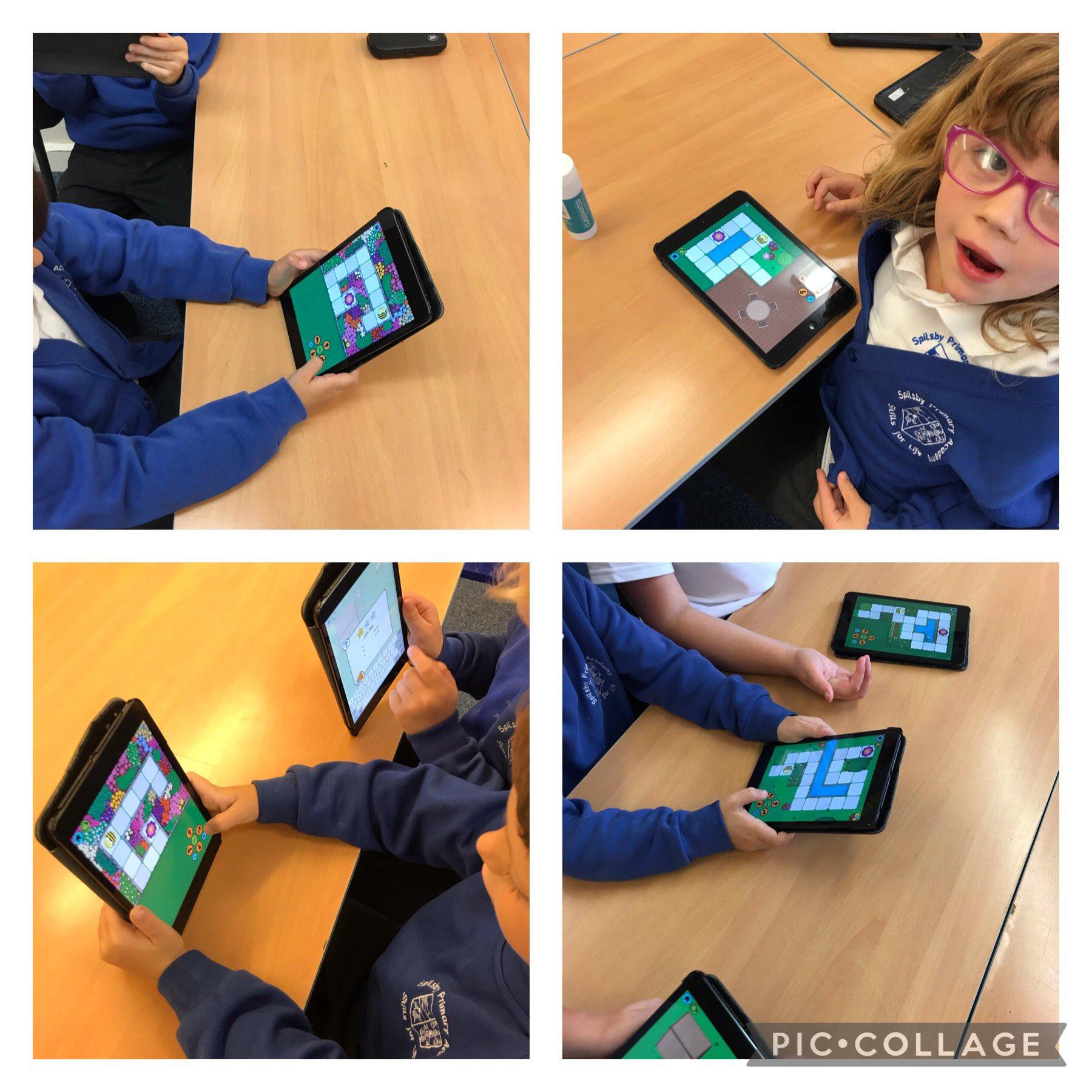
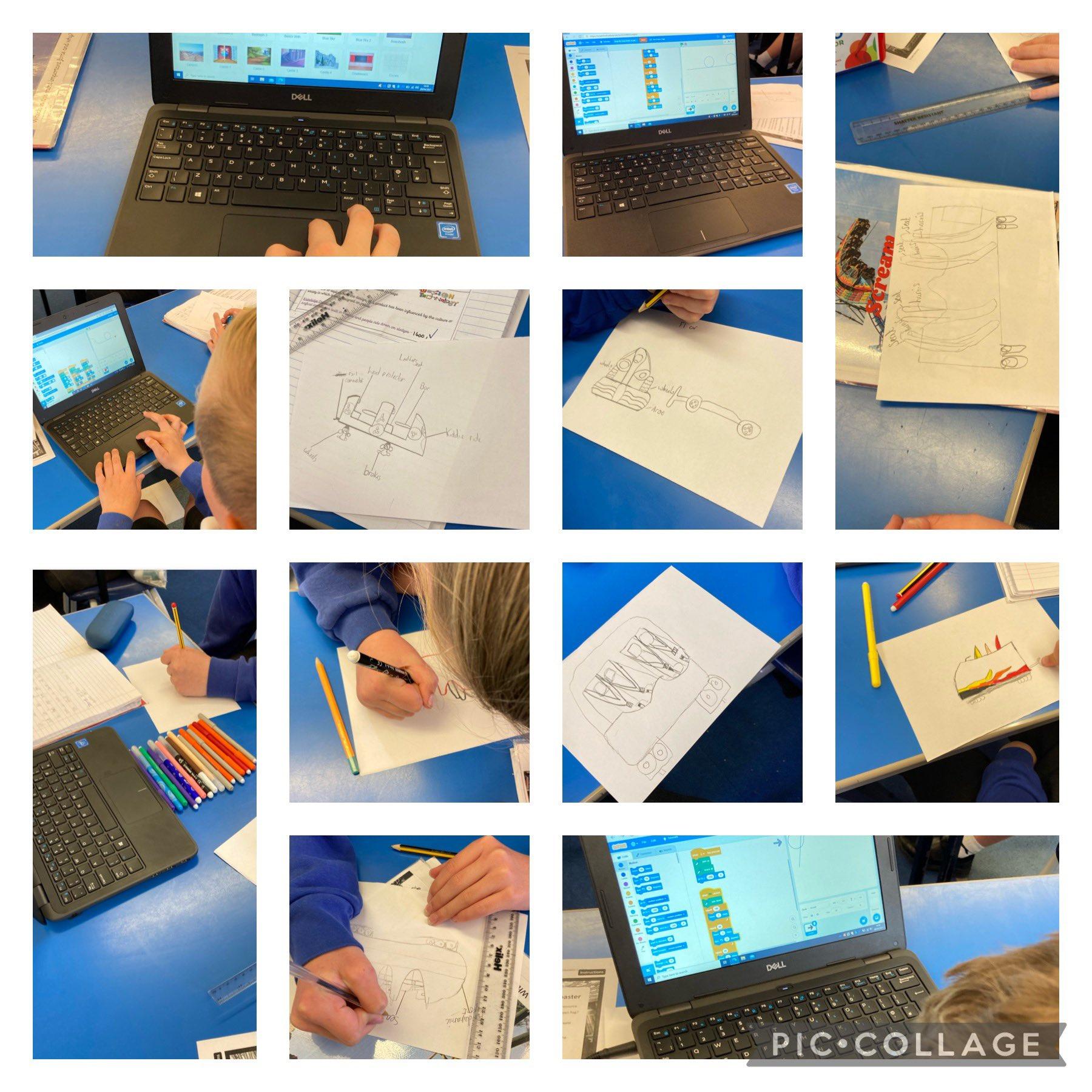
During computing, Mr Carlton taught year 3 how to make a game on Scratch. We picked underwater characters and then had to program them by creating an algorithm. We were also taught about debugging which is when an algorithm needs changing.


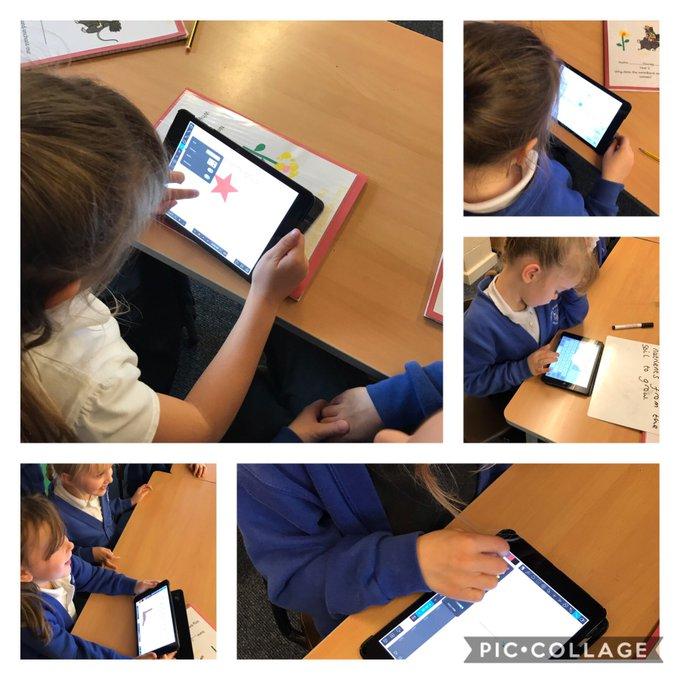
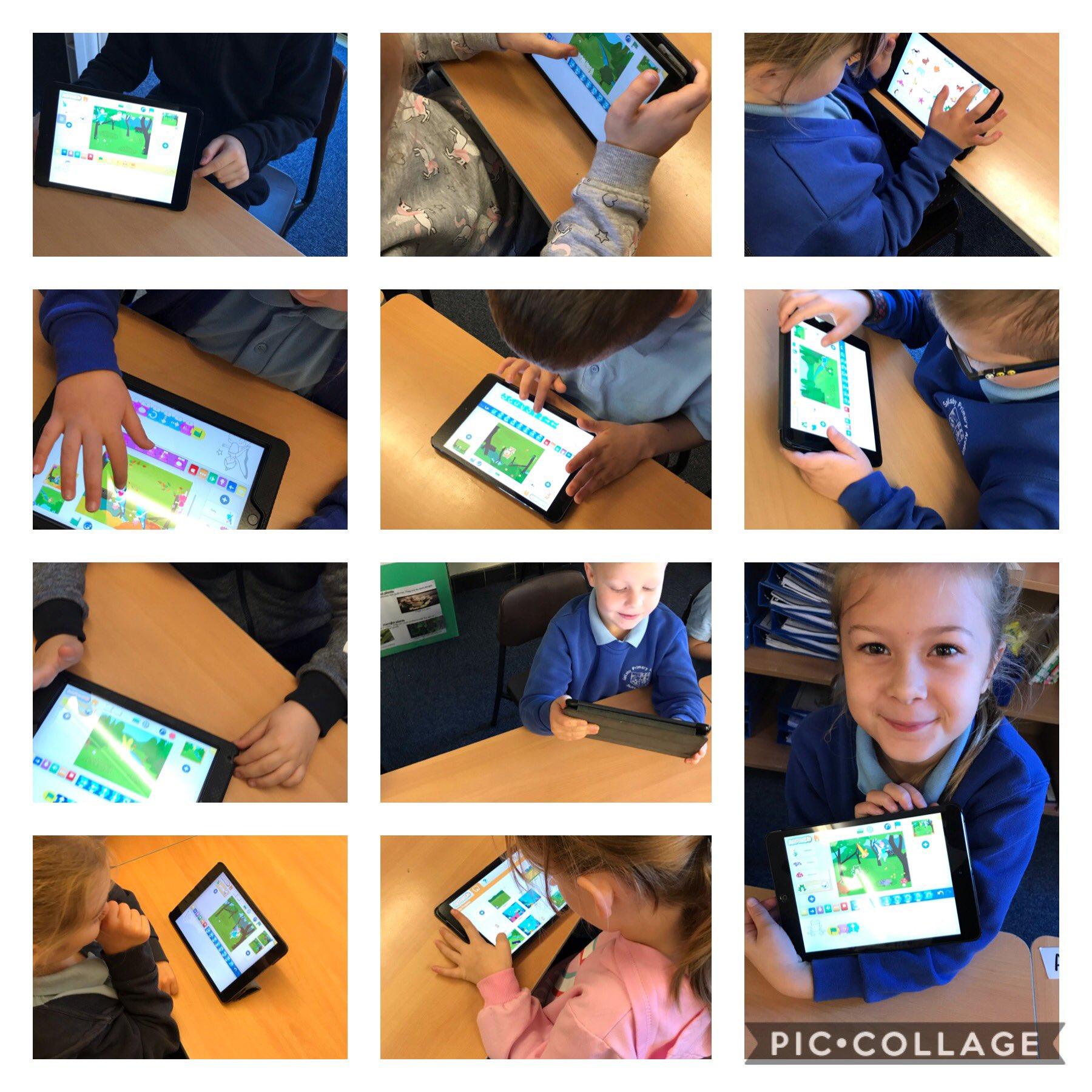
Brillaitn work in Year 1- creating and debugging programmes as they moved on to creating their own woodland scene with characters and programming to make them move.


The children in Reception have used the paint programme on the interactive whiteboard to create their own firework picture. They used the different tools and techniques on the programme to adapt their work. We spoke about our own experiences of bonfire night and how we keep safe.


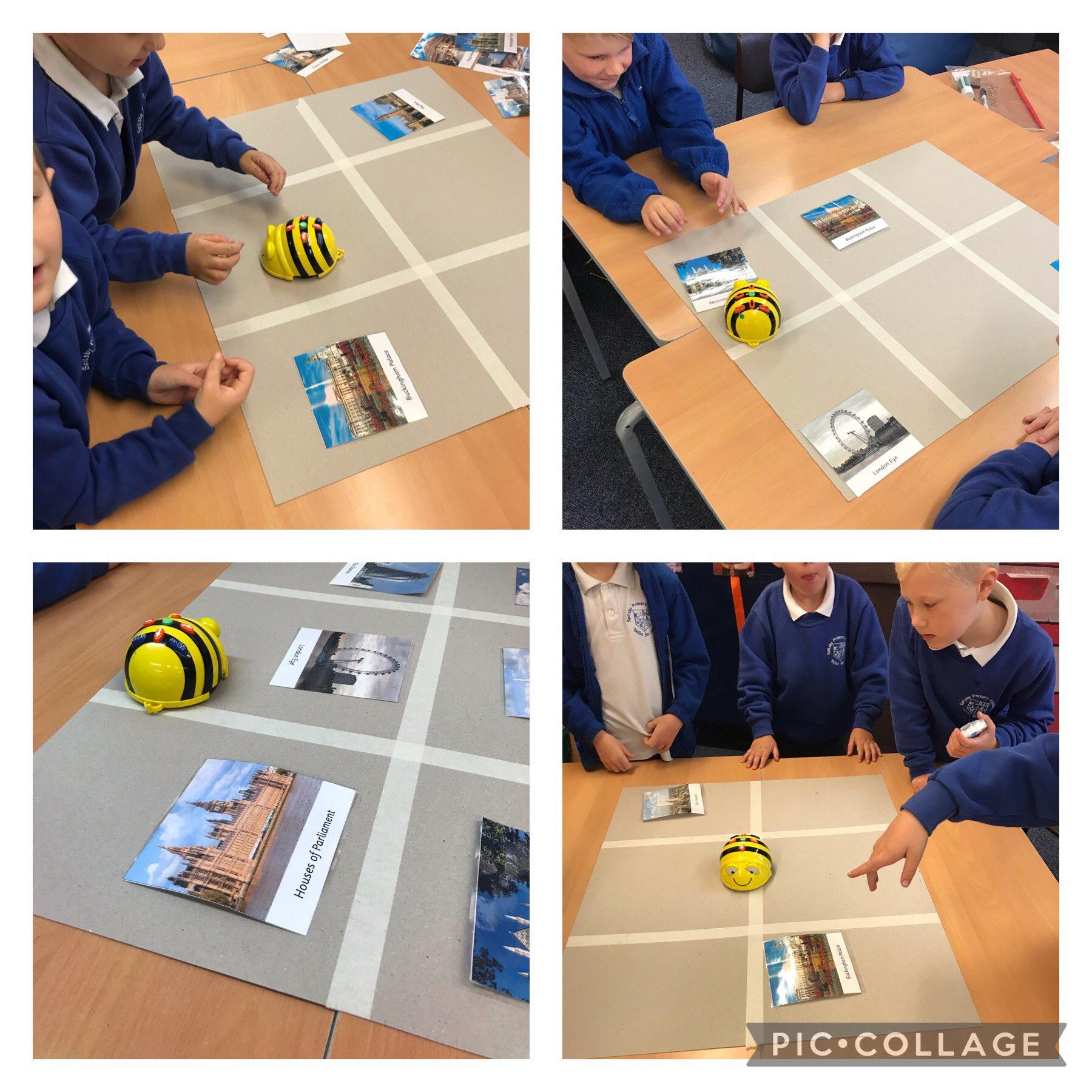
Our year 1 children programming using Bee-Bot! Great to see experience of writing computer programs to help solve problems.


Y6 using 'stop motion' on the iPad's to show the circulatory system.


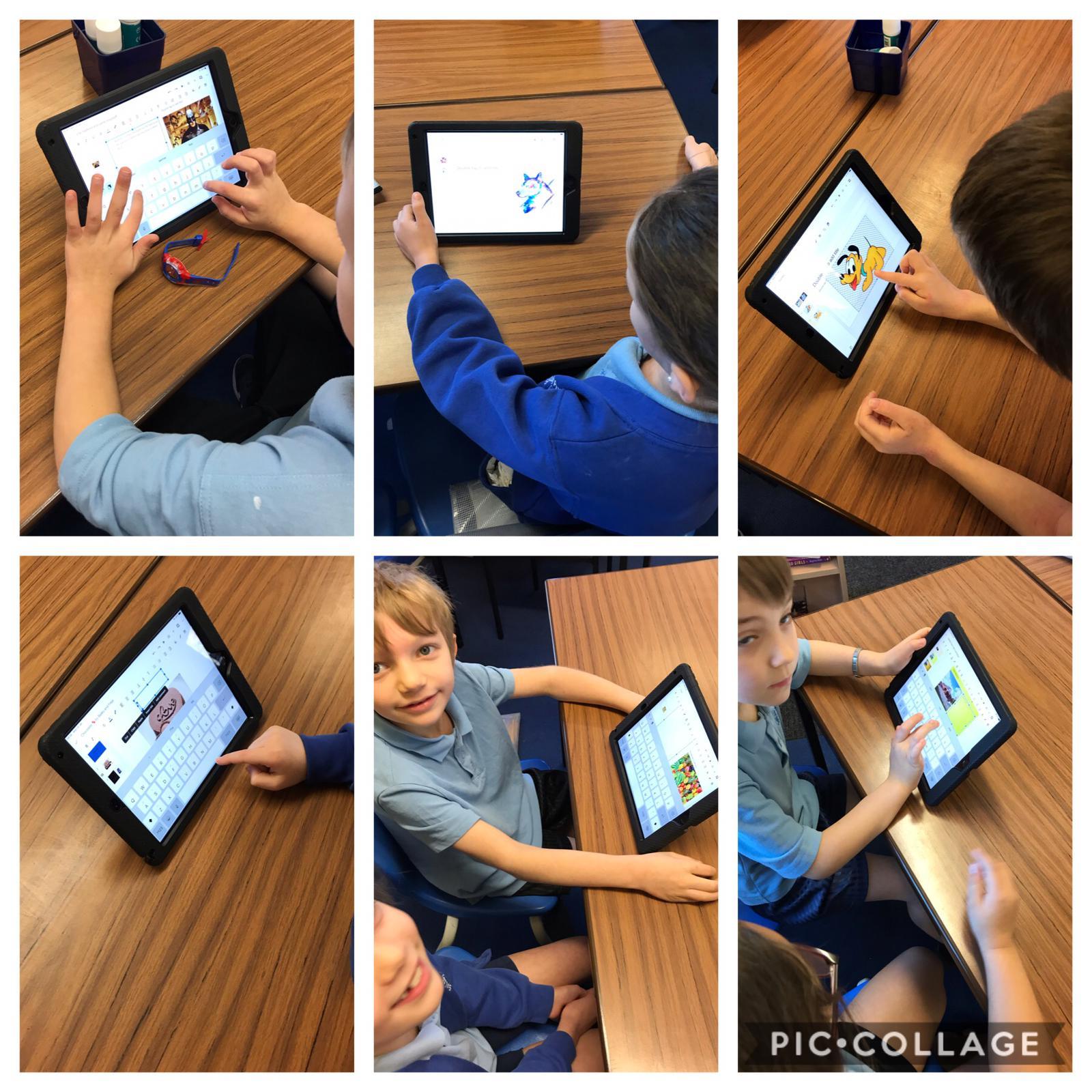
Year 6 have chosen an aspect of WWII that they wanted to find out more about . They have then created a digital presentation to present to their peers this week.


Year 6 have been creating digital invitations to formally invite their parents to their end of project Wow Event. They looked at invitations from the period to ensure their writing was appropriate and followed an invitation structure